Binaural 3D Audio
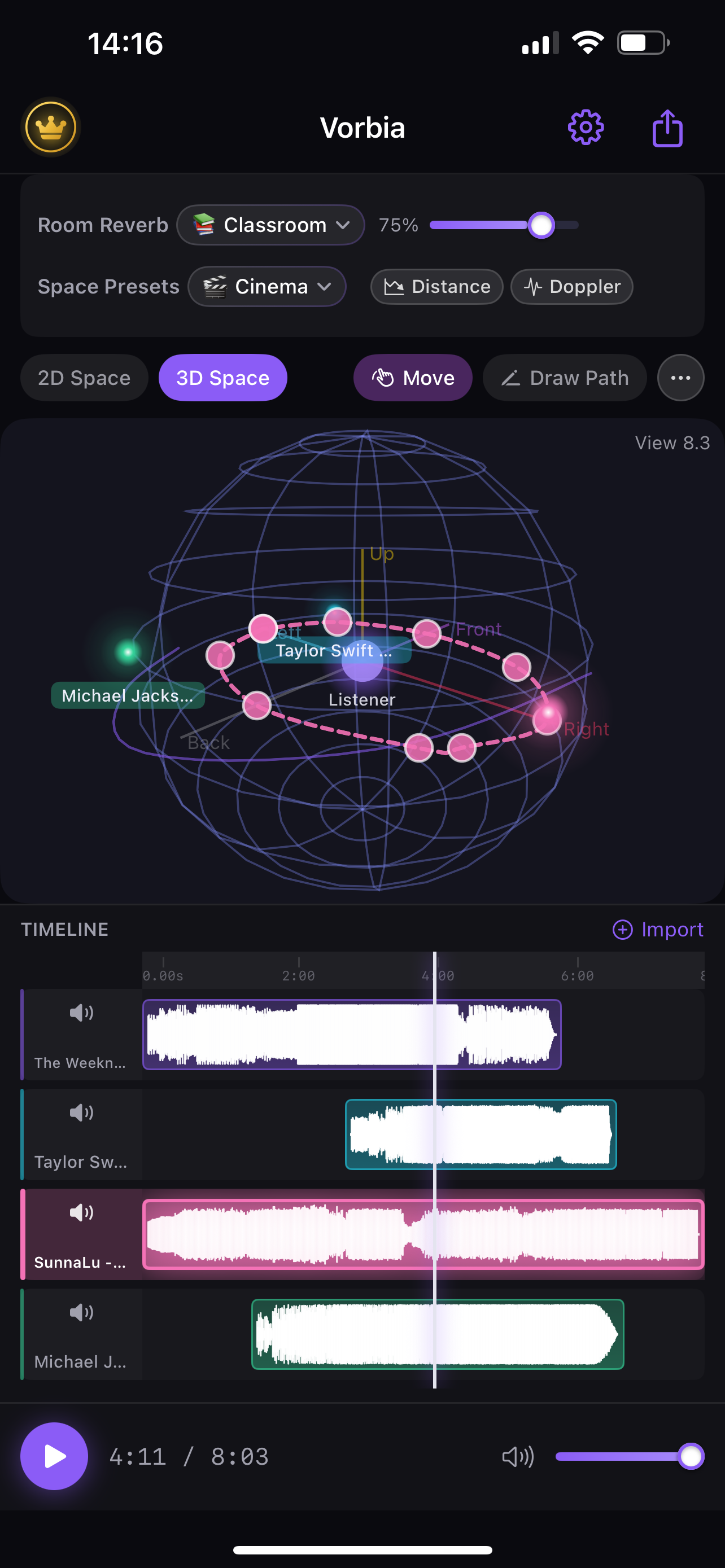
HRTF-based spatialization for accurate positioning when listening with headphones.

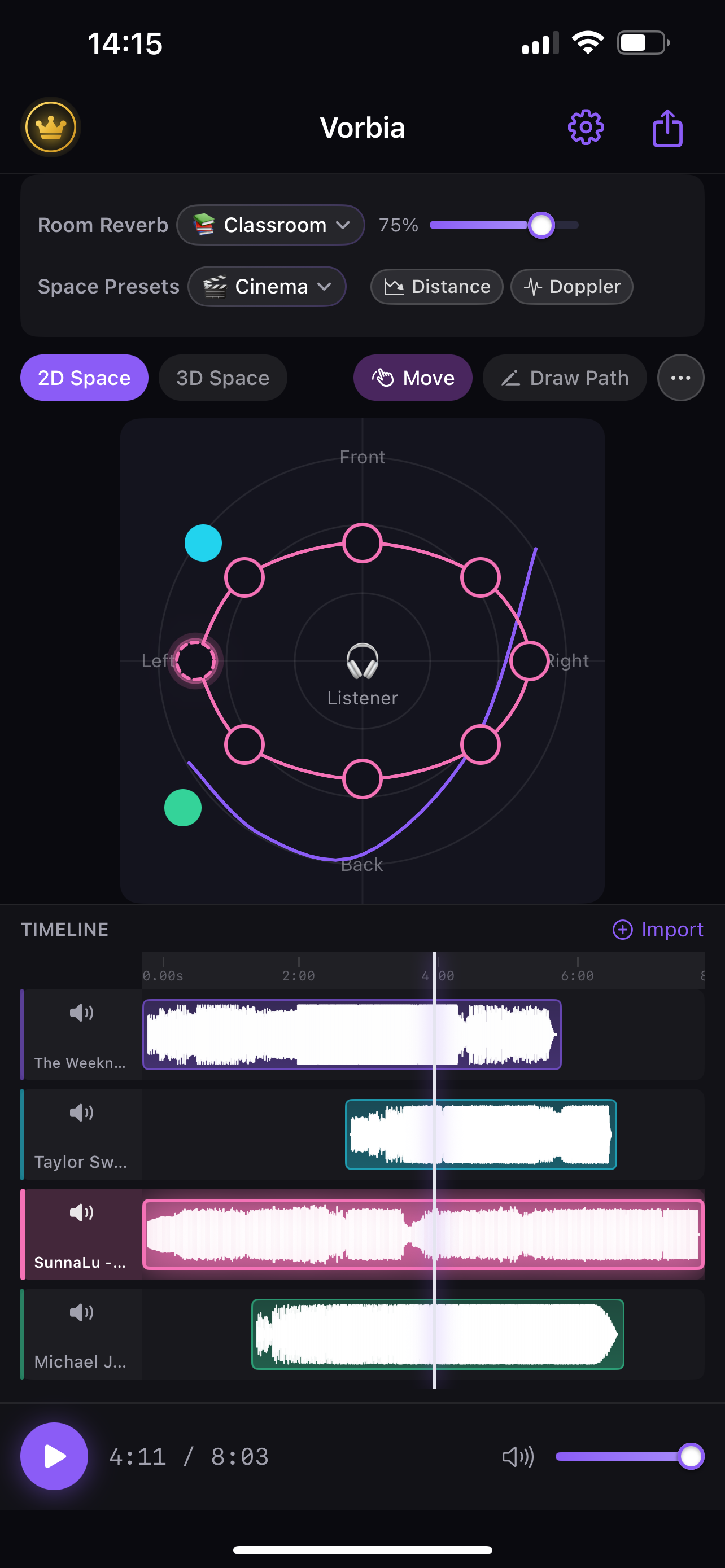
Professional 3D spatial audio for creators. Import tracks, place sources in 2D/3D space, preview binaural mixes with headphones, and export your spatial soundscape.
Vorbia helps you design immersive headphone mixes with intuitive spatial tools.
HRTF-based spatialization for accurate positioning when listening with headphones.
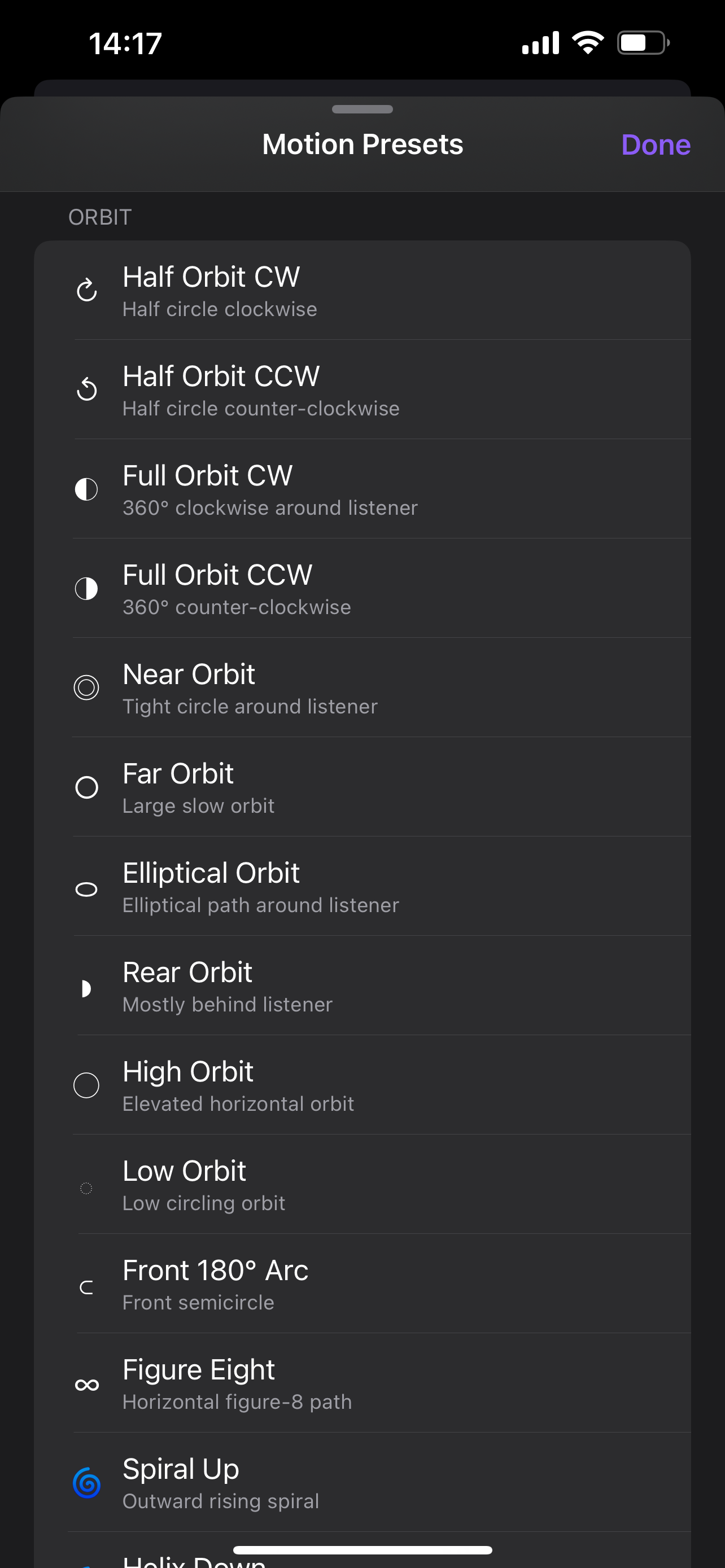
Place and move sound sources freely, with motion paths and keyframe animation.
Cinema, 5.1, concert, gaming, outdoor stage, and more — instant layouts for static tracks.
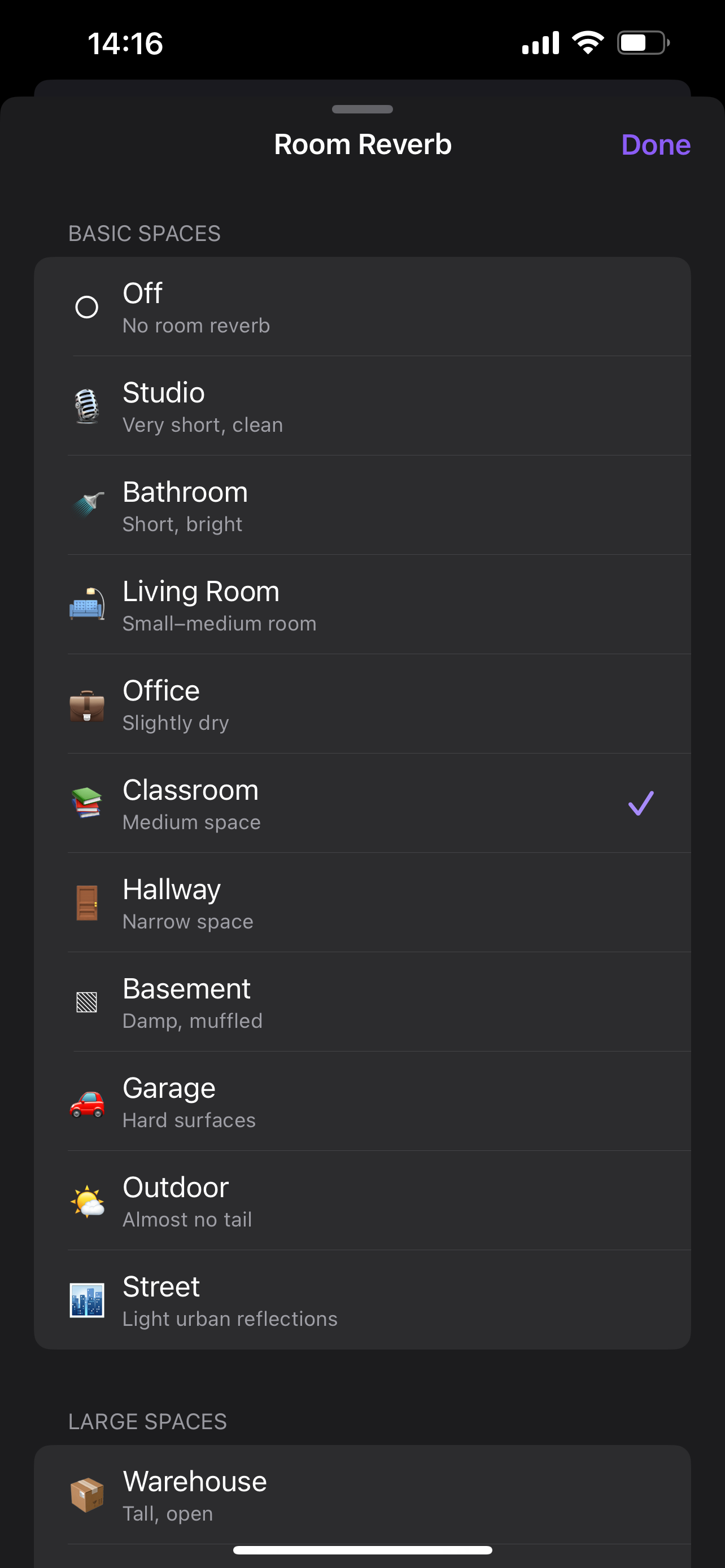
Global room ambience with adjustable wet/dry mix and multiple space types.
Automatic Doppler pitch shift and distance attenuation for moving sources.
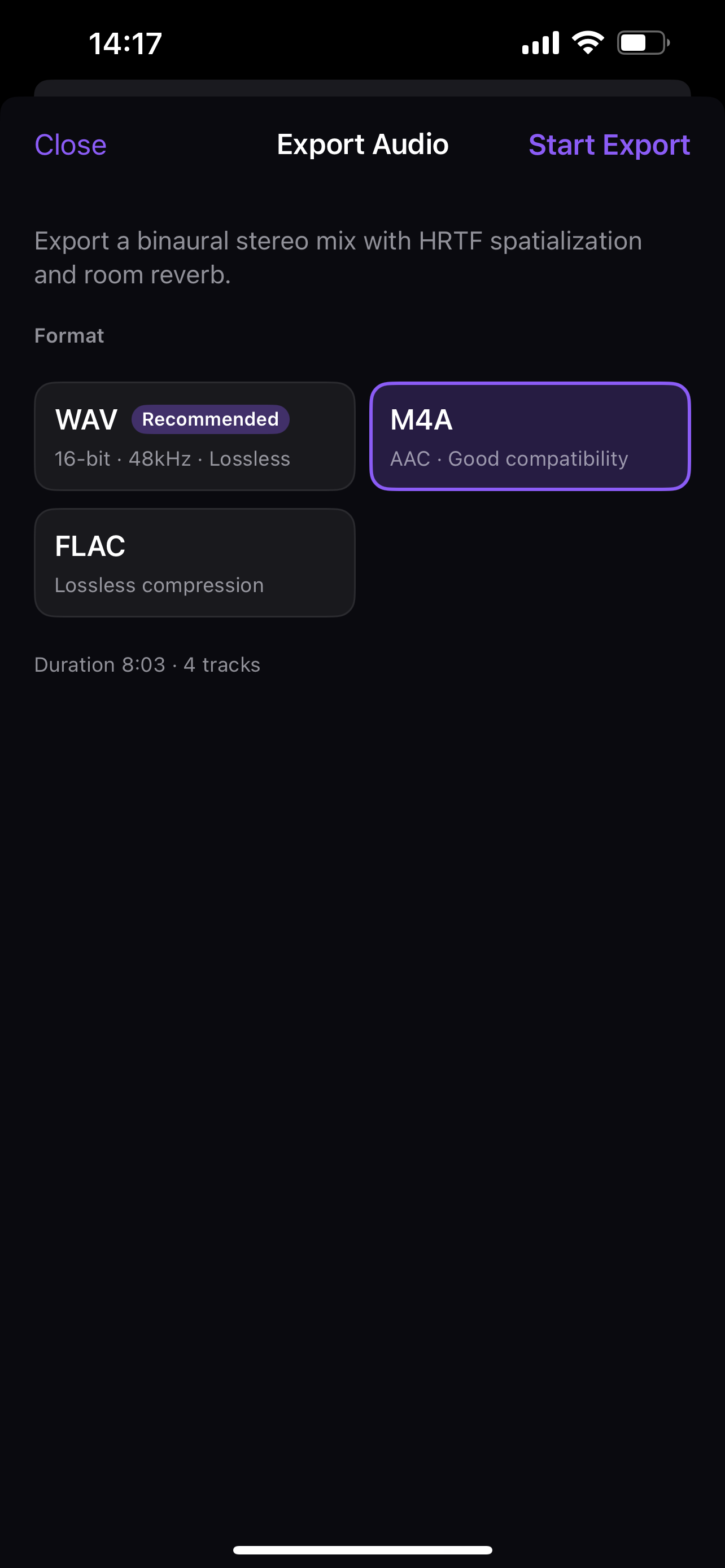
Render and share your spatial mix as M4A, WAV, or FLAC (formats vary by plan).
Subscriptions and purchases are processed by Apple. Manage subscriptions in iOS Settings > Apple ID > Subscriptions.